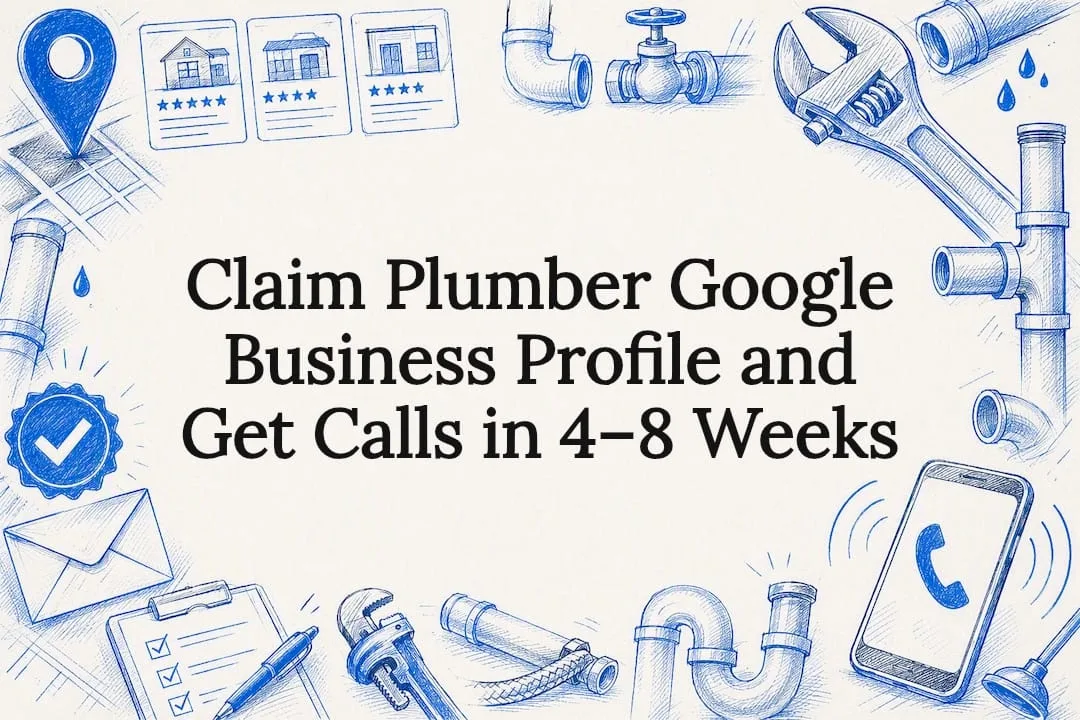
Claim and verify your Google Business Profile today, set the primary category to “Plumber,” and configure service areas with accurate emergency hours. That single move puts you in contention for the local map pack on the searches that matter most: someone with water on their basement floor at 11 p.m. Get it right and you’ll see more calls from exactly those searches within weeks, not months.
TL;DR:
- Verifying and claiming your profile correctly, including setting your primary category to “Plumber” and accurate service areas, is essential for appearing in the local map pack within days.
- Uploading recent, real photos and regularly updating posts and reviews significantly boosts your profile’s visibility and trustworthiness to both Google and potential customers.
- Managing reviews actively, including sending review links promptly and responding within a few days, improves your local ranking and conversion chances.
- Avoiding duplicate listings, false category stuffing, and incorrect service area claims is crucial to prevent suspension or ranking penalties.
- Outsourcing Google Business Profile management to specialists, like Coastal Connect, can lead to faster results and free you to focus on core plumbing work.
Table of Contents
- Why Your Google Business Profile Drives Emergency Plumbing Leads
- How to Claim, Verify, and Set Up a Plumber Google Business Profile
- Optimizing Services, Photos, Posts, and Reviews for More Calls
- Tracking Performance and Avoiding the Mistakes That Get Profiles Suspended
- Coastal Connect’s Approach to Plumber GBP Management
- What Actually Moves the Needle on a Plumber’s Profile
- How Coastal Connect Sets Up Plumbers to Win the Map Pack
- Sources
- FAQ
Why Your Google Business Profile Drives Emergency Plumbing Leads
Someone with a burst pipe doesn’t scroll to page two. They search “plumber near me,” look at the three map pack results Google surfaces above the organic listings, and call the first one that looks legitimate and available. That three-pack is real estate your website’s organic ranking can’t buy, and it’s populated almost entirely by Google Business Profile signals: proximity, category match, reviews, and completeness.
This is why GBP often produces faster results than a website SEO campaign. A site redesign or content push can take three to six months to move organic rankings. A properly configured, verified profile can start appearing in map pack results within days, especially in less competitive service areas.
Reviews, posted hours, and service accuracy all factor into which three businesses Google shows for a given search. A profile that says “Open 24 Hours” with an “Emergency Plumbing” service listed and a review from last week reads as more trustworthy to Google’s algorithm, and to the panicked homeowner scrolling their phone, than a profile with stale photos and no activity since last spring.
A key data point plumbers should know: profiles with a higher photo count correlate with stronger local search performance, according to research from Search Engine Land. That’s not a minor detail. It means the fastest, cheapest lever available to most plumbing businesses is uploading more real, recent photos, not rebuilding a website.
Think of your GBP as the front counter of a business that never closes. Most plumbing companies spend real money on paid ads and website traffic while leaving this free listing half filled out, which is like renting a storefront on the busiest street in town and leaving the windows papered over.
How to Claim, Verify, and Set Up a Plumber Google Business Profile
Before you touch categories or photos, you need a claimed and verified profile. Skip this step or rush it, and nothing else you do will show up in search results.
1. Search for an existing listing first. Google auto-generates business listings from web data, licensing records, and customer-submitted information, so there’s a real chance one already exists for your company. Search your business name plus city on Google Maps before creating a new profile. Claiming an existing listing is faster than creating one from scratch and avoids the duplicate-listing problem that confuses Google and splits your reviews across two profiles.
2. Create a new profile only if none exists. Go to Google Business Profile and enter your business name, address, and category. Use your legal or commonly known business name exactly as it appears on your truck, invoices, and license, not a keyword-stuffed variant like “Best Emergency Plumber Providence RI.”
3. Choose how you’ll verify. Google offers verification by postcard, phone, email, video, or instant verification depending on your business history and location, as outlined in Google’s verification guidance. Postcard verification typically takes five to fourteen business days to arrive. Phone or email verification, when offered, can confirm your listing in minutes.
4. Decide between a service-area business and a storefront listing. Most residential plumbers qualify as service-area businesses, meaning you travel to customers rather than operating a retail location. Google’s service-area configuration guide explains how to hide your street address while still listing the cities, towns, or zip codes you cover. If you operate from a real office with walk-in capability, showing the address alongside your service area can actually help. An analysis from Differ notes that service-area businesses with a visible, legitimate office often retain a ranking edge over profiles that hide their address entirely.
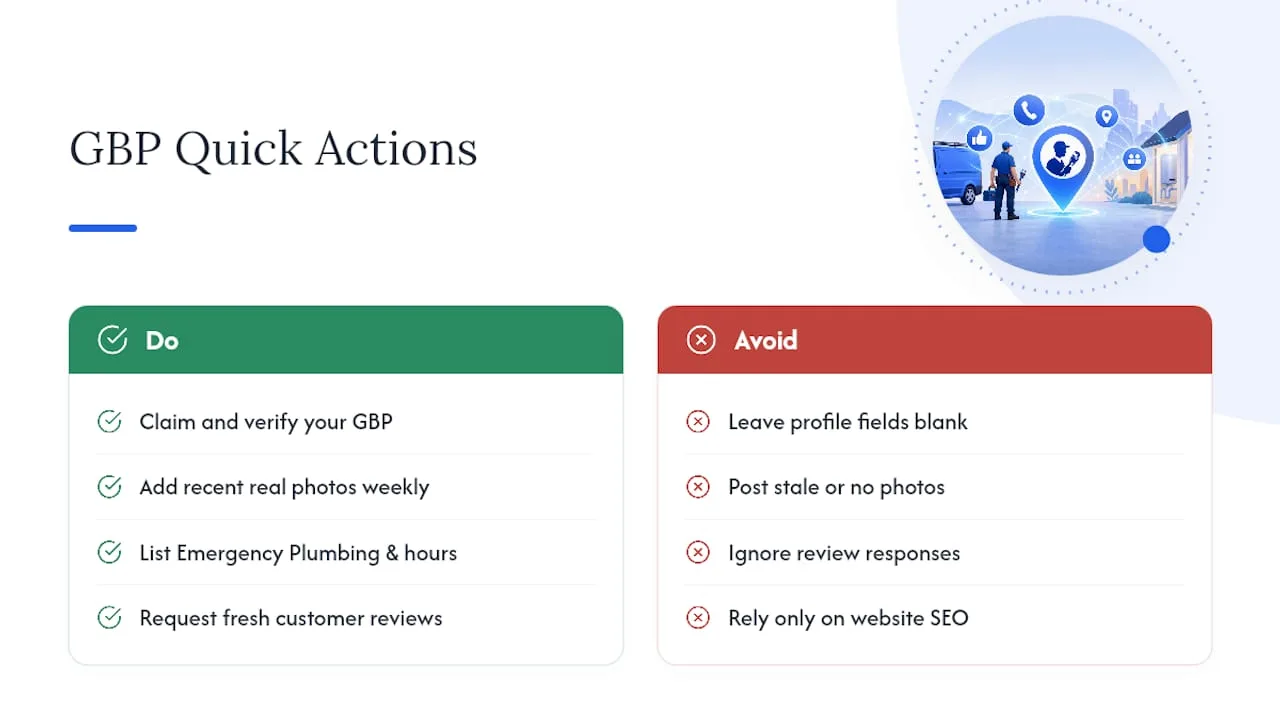
5. Set your primary category to “Plumber.” This single dropdown selection carries more ranking weight than almost anything else on the profile, according to Google’s category guidance. Add secondary categories only if they’re genuinely accurate, such as “Hot Water System Supplier” if you install water heaters. Do not add categories you don’t service just to appear in more searches. Google’s own documentation warns this behavior gets flagged.
6. Enter your exact name, address, and phone number (NAP), matching your website and any directory listings word for word. Set your hours honestly, including a note on emergency or after-hours availability if you offer it.
Pro Tip: If you offer true 24/7 emergency service, set your hours to “Open 24 hours” rather than leaving hours blank. An incomplete hours field pushes your profile down in ranking and makes it look inactive to both Google and panicked searchers at 2 a.m.
Quick verification checklist before you move on:
- Listing claimed or created under your legal business name, no keyword stuffing
- Verification method selected and completed (postcard, phone, email, or video)
- Service area or storefront address configured correctly
- Primary category set to “Plumber,” secondary categories accurate and limited
- NAP matches your website exactly
- Hours entered, including emergency availability if applicable
Optimizing Services, Photos, Posts, and Reviews for More Calls
A verified, correctly categorized profile gets you into contention. What fills out the profile afterward determines whether searchers pick you over the other two listings in the map pack.
Services. Google lets service businesses list specific job types directly on the profile, and you should use both the suggested items Google provides and custom entries specific to your trade, per Google’s services documentation. Don’t just list “Plumbing Services.” Add “Emergency Pipe Repair,” “Water Heater Installation,” “Drain Cleaning,” and “Sump Pump Replacement” as individual entries. Each one is a small keyword-matching opportunity for a specific search.
Attributes. Google’s attribute checkboxes let you flag things like “Identifies as veteran-owned,” “Online estimates,” or “Onsite services.” For plumbers, the attributes that actually move the needle on emergency searches are the ones signaling availability and legitimacy: 24-hour service, licensed and insured, and accepted payment methods. Only check attributes that are true. Google removes profiles found gaming attributes for visibility.
Photos. Upload real photos, not stock imagery. Trucks with visible signage, your team on a job site, and genuine before-and-after shots of completed work all build trust and match the pattern the Search Engine Land photo research ties to stronger search visibility. Add new photos monthly at minimum. A profile with 40 photos from three years ago looks worse to both Google and searchers than one with 15 photos from the past ninety days.
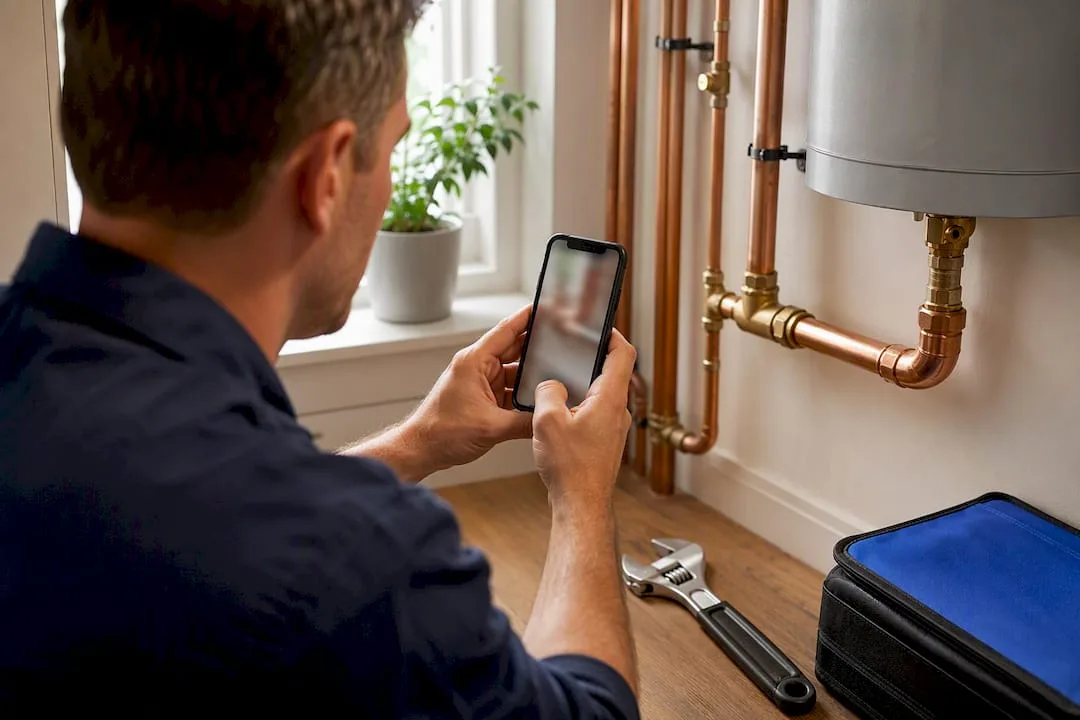
Posts and offers. GBP Posts let you publish short updates, similar to a social media post, directly on your listing. Use them to flag emergency availability during a cold snap, a seasonal drain-cleaning special, or a same-day service window. These signal that someone is actively managing the account, which itself is a trust signal for both Google and customers.
Q&A. Anyone can post a question on your profile, and anyone (including competitors) can post a fake answer. Seed the section yourself with the questions you get most: “Do you offer emergency service?” “Do you charge a dispatch fee?” “What areas do you cover?” Answer new questions within 24 hours, and monitor for spam answers that need correcting.
Reviews. This is where profile management earns its keep. Get a direct review link from your profile dashboard and send it via text or email within an hour of finishing a job, while the customer’s relief is still fresh. Local ranking research from Moz on local justifications points to review velocity and recency mattering more for ongoing visibility than raw review count. Ten reviews in the past month outperforms two hundred reviews from three years ago. Respond to every review, positive or negative, within a few days.
Tracking Performance and Avoiding the Mistakes That Get Profiles Suspended
Your GBP dashboard gives you performance data most plumbing owners never open. It’s worth checking monthly, at minimum.
- Phone clicks tell you how many people called directly from your listing, the single most direct signal of GBP-driven demand.
- Direction requests show intent to visit, more relevant if you have a walk-in office.
- Profile views and search queries reveal what terms actually surface your listing, which helps you refine service entries and categories over time.
- Website clicks measure how many searchers went to your site before calling, useful for understanding your full funnel.
None of this matters without a way to confirm which calls actually became booked jobs. A call-tracking number on your GBP listing, paired with your CRM, lets you attribute revenue to the profile directly rather than guessing. Without that link, you’re optimizing a listing you can’t prove is working.
Pro Tip: If you run paid ads alongside your GBP, use a separate tracking number for each channel. Otherwise you’ll never know whether that jump in calls came from your listing or your ad spend.
The mistakes that get profiles suspended or buried are almost always self-inflicted. Watch for:
- Duplicate listings from an old franchise location or a previous owner’s unclosed profile, which split your reviews and confuse Google’s algorithm.
- Inaccurate service areas claiming coverage of a metro area you don’t actually service, which Google flags increasingly aggressively.
- Keyword-stuffed business names, like adding “24/7 Emergency” into your official name field, which violates Google’s guidelines and can trigger a suspension.
- Category stuffing, adding five or six tangentially related categories to appear in more searches.
A reasonable maintenance cadence: check and respond to reviews weekly, publish a Post at least twice a month, add new photos monthly, and audit your categories and service list every quarter.
Coastal Connect’s Approach to Plumber GBP Management
Coastal Connect manages Local SEO and Google Business Profile optimization specifically for contractors in Rhode Island and Massachusetts, pairing profile management with automated review requests, websites built to book jobs, and 24/7 inbound call handling so leads generated through GBP don’t go unanswered. If you’re already stretched managing crews and jobs, and your review count hasn’t moved in months, that’s usually the signal it’s time to hand this off rather than keep squeezing it into a Sunday night task list.
What Actually Moves the Needle on a Plumber’s Profile
Most owners chase photos and posts before fixing the fundamentals. Verification, an accurate category, honest service areas, and review velocity outperform every cosmetic tweak combined. Build systems, automated review requests, call tracking, rather than one-time fixes you’ll forget about in a month. Expect meaningful call volume shifts in four to eight weeks, not overnight, and track phone clicks weekly so you can report real numbers instead of a gut feeling.
— Tyson
How Coastal Connect Sets Up Plumbers to Win the Map Pack
Coastal Connect exists for exactly the contractor who read the checklist above and thought, “I don’t have time for this every week.” That’s the real advantage: instead of a generic marketing retainer, you get a Rhode Island and Massachusetts team building your Google Business Profile management, automated review requests, and missed-call text-back and CRM tools into one connected system, so a lead from your profile doesn’t die because nobody answered the phone.
Onboarding typically starts with a full profile audit, service and category correction, and review-link automation set up in the first two weeks, followed by ongoing posts, photo updates, and monthly performance reporting. Plans start at $597 a month with the Foundation package, scaling up through Growth and Scale for businesses that want paid ads management or additional service locations layered in. If you’re ready to stop guessing whether your profile is working, check current pricing and service details and get a plan built around your service area.
Sources
- Get Listed on Google - Google Business Profile
- Verify your business - Google Business Profile Help
- New research shows strong link between Google My Business photo quantity and search performance - Search Engine Land
FAQ
How Do I Get My Plumbing Company on Google?
Search Google Maps for your business name and city first, since a listing may already exist from public records. If none exists, create one through Google Business Profile, enter your legal business name and service area, then complete verification by postcard, phone, or email before the listing goes live in search results.
How Do I Find My Company’s Existing Google Business Profile?
Search your exact business name plus your city or town on Google Maps or Google Search. If a listing appears but shows “Own this business?” or looks incomplete, it’s likely an unclaimed auto-generated profile you can claim through the Google Business Profile dashboard.
What Is a Fancy Name for a Plumber?
Common alternative titles include “plumbing contractor,” “plumbing technician,” and “master plumber” for licensed professionals with advanced certification. None of these change how you should categorize your Google Business Profile: the primary category should still be set to “Plumber” for accurate search matching.
Do I Really Need a Google Business Profile?
Yes. It’s free, and it’s the primary way plumbers appear in the local map pack for “plumber near me” and emergency searches, which typically convert faster than organic website traffic. Skipping it means competitors with claimed, verified profiles capture calls you never see.
What Does Coastal Connect Charge for GBP Management?
Coastal Connect includes Local SEO and Google Business Profile management within its service plans, starting with the Foundation plan at $597 per month. Full plan details and pricing tiers, including Growth and Scale, are listed on the pricing page.