Yes, Local Services Ads requires background checks for select advertisers, and the people covered usually include the business owner, the business entity where applicable, and the service professionals who perform your core work. The checks focus on identity and criminal history, not credit. Exactly who is screened depends on your service category and location, so confirm your own requirements before you apply.
TL;DR:
- Every owner must complete a background check; roster rules vary by category and location, but core service employees, contractors, and subcontractors may also need screening.
- Screening checks identity and criminal history, and may review company civil litigation, but it never checks credit or charges the business for the background check.
- Verification typically takes about 3–4 weeks after document submission, so prepare readable licenses, current insurance, matching business details, and a complete roster before applying.
- A screening partner collects consent before checking, keeps results confidential, and handles record disputes; ask early whether your existing provider qualifies for equivalency.
- You remain responsible for screening contractors and new hires, and outdated checks can suspend or end access, so assign an owner to track ongoing compliance.
Table of Contents
- What does an LSA background check actually include?
- Who has to be checked: owners, employees, and contractors?
- Who runs the checks, and what happens to the results?
- How do you prepare and submit your verification documents?
- How long does screening take, and what if someone fails?
- Where do background checks fit in LSA eligibility?
- A practical note on getting ready before onboarding
- Let us help you get verified and launched
- FAQ
- Sources
What does an LSA background check actually include?
The screening looks at who you are and whether your record raises safety concerns for customers. According to Google’s screening and verification help page, background checks are required for select users in the U.S. and Canada, and the process doesn’t involve credit checks. Businesses also aren’t charged for the check itself.
Here is what a typical check can cover:
- Identity verification to confirm the person is who they say they are
- Criminal-history searches, including cross-checks against sex-offender, terrorist, and sanctions registries
- Company-level civil litigation history, such as judgments and liens, in applicable cases
- No credit pull, so applying does not touch anyone’s credit score
Credit checks are not part of the process, and businesses aren’t charged for the background check.
That last point matters for the people you send through screening. Many electricians, plumbers, and roofers worry that a background check will show up on their credit file. It won’t, because the LSA screening process does not involve credit checks.
Background checks are run under applicable state and federal rules. That means the background-check partner provides the required disclosures and collects consent before it searches anything. Nobody is screened in secret, and each person gets a chance to review what is being asked of them.
One more thing to keep straight: the identity piece is separate from the license piece. A clean criminal record does not replace a valid contractor license, and a valid license does not replace the background check. Google treats them as different parts of the same verification, which we walk through in the sections below.
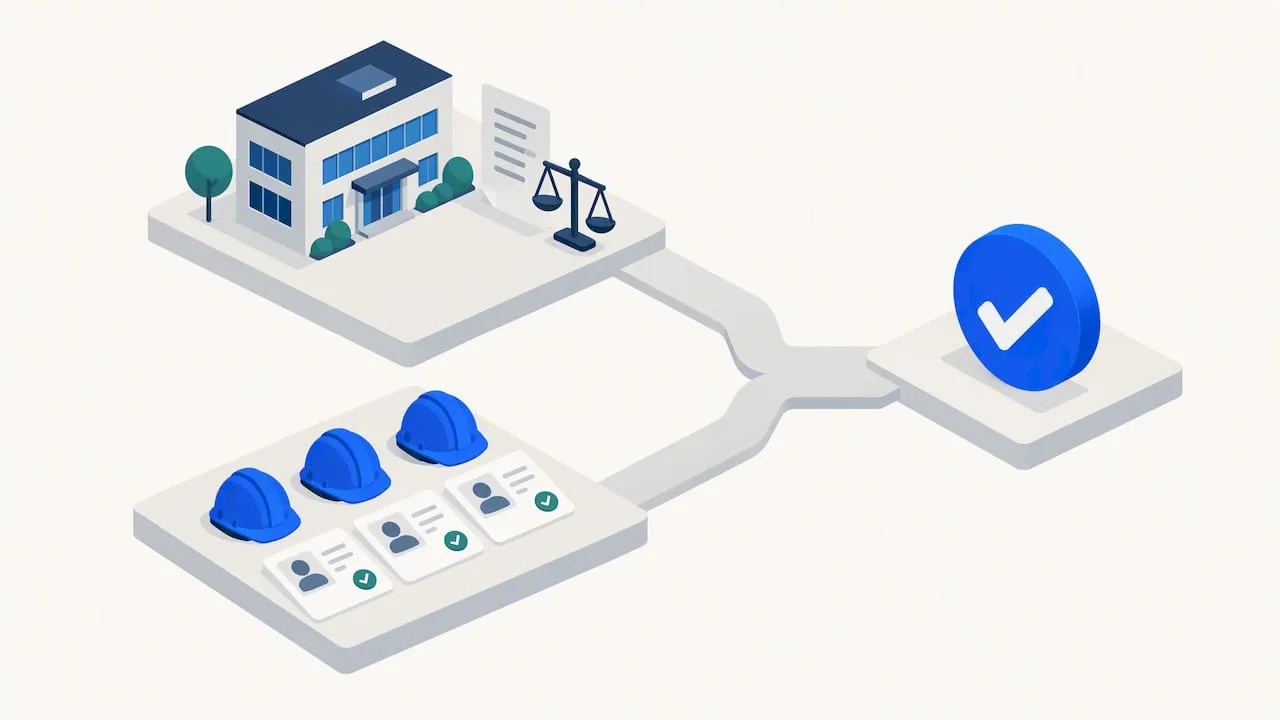
If you run a company with a few trucks and a small crew, think of the check as two layers. One layer looks at the business itself and its legal history. The other looks at the individual people who will stand in a customer’s kitchen or climb onto a customer’s roof. Both layers need to clear before your ads can run.
Who has to be checked: owners, employees, and contractors?
Start with the owner. Every business owner must complete an owner criminal background check. There is no workaround for that step, even if you plan to handle all the customer-facing work through a crew.
Next comes your team. If your category requires it, you provide a roster of every service professional who will perform your core services. Google’s help content on screening and verification requirements for the United States explains that requirements vary by business type and state, and that checks can include business checks, owner checks, provider checks, and license verifications depending on the category.
Here is how the groups usually break down:
- Business owners: always screened
- Employees who do the core work: screened where your category requires a roster
- Independent contractors and subcontractors who do the core work: treated the same as employees for roster purposes
- Office administrators and clerical staff: typically exempt, since they aren’t the ones performing services at the customer’s property
The contractor and subcontractor line surprises people. A contractor who shows up in your branded truck is still someone you answer for. Google’s policy puts that responsibility on you, the advertiser, and we cover that in more detail later.
A practical way to prepare is to build the roster before you open your account. List every person who could be dispatched to a job, note whether each is an employee, a contractor, or a subcontractor, and confirm each one is willing to complete the consent and disclosure steps. Surprises tend to happen when a seasonal helper or a subcontractor you only use twice a year gets left off the list.
Who runs the checks, and what happens to the results?
Google doesn’t run the searches itself; instead, it works with local background-check partners like licensed security guards in Christchurch who perform thorough screening to ensure trustworthy personnel. It engages local background-check partners to perform the screening. Those partners handle the disclosures, collect each person’s consent, and then run the checks.
The results stay confidential between the business and the background-check partner. That has a useful consequence: if something looks wrong, you go to the partner directly to sort it out.
Here is what that means in practice:
- Disclosures and consent come first. The partner explains what will be searched and gets permission before running anything.
- Errors are fixed with the partner. If a record is wrong or belongs to someone with a similar name, contact the partner to identify and correct it.
- Your own vendor may count. If your company already uses a background-check provider, ask for background-check equivalency during onboarding.
- Privacy is built in. Results are shared between the business and the partner, not broadcast to your customers.
Pro Tip: If you already run employee screening through your own vendor, mention it at the very start of onboarding and ask about equivalency before anyone completes a new consent flow, so you don’t duplicate work.
Equivalency is not automatic, and we wouldn’t assume your current vendor qualifies. Ask your onboarding contact what documentation they need, then gather it before you submit your account. That small conversation can save you weeks of back and forth later.
How do you prepare and submit your verification documents?
Verification happens inside your Local Services Ads account. The steps below follow the path Google describes on its help page for uploading license or insurance documents.
- Open your Local Services Ads account and go to the Business Verification menu.
- Add your license details: the license type, business name, license number, and expiration date. Upload proof of business registration and attach files where the form asks for them.
- Submit proof of insurance. Healthcare providers upload general and professional liability insurance separately, and other categories may need professional liability where applicable.
- When requested, upload the complete roster of service professionals and make sure each person completes the background-check consent flow.
- If you already use a background-check partner, ask your onboarding contact about equivalency verification and submit the supporting documentation.
A few habits keep this process from dragging:
- Scan clearly. Blurry photos of a license are a common reason for a resubmission.
- Include numbers and dates. Every license number and expiration date should be readable on the file you upload.
- Keep digital copies organized. Keep copies for each person and the business, so re-verification is easier later.
- Match names exactly. The name on the license, the insurance policy, and the roster should line up with the name on your account.
One piece of housekeeping tends to get skipped: your sign-in. Verification runs through a Google account, so decide which account will own the Local Services Ads profile before you begin, and make sure the person who controls it will still be with you in a year. Switching ownership during verification adds friction you can avoid.
Finally, keep your Business Profile consistent with what you upload. Google matches Local Services accounts to verified Business Profiles, as described on its business affiliation help page. If your profile lists a different business name or address than your license, expect questions. Our team handles this kind of cleanup through our Local SEO and Google Business Profile service, because mismatched listings are one of the quietest causes of slow verification.
How long does screening take, and what if someone fails?
Verification timing varies after you submit your documents, and incomplete paperwork can stretch the process.
End-to-end screening and verification typically run about 3–4 weeks after you submit your documents. For a contractor in the middle of a busy season, that is long enough to matter, so start before you need the leads.
If a person or the business doesn’t pass, here is what to know:
- Contact the background-check partner. They can show you what turned up so you can identify errors and pursue corrections.
- If your application is denied: check Google’s current reapplication requirements before applying again.
- Prevention beats repair. Verify personnel records and fix discrepancies before you submit.
The reapplication wait after a denial is an important reason to check your details carefully. An avoidable mistake, like a misspelled name or an outdated address, can delay your access to leads. Before you submit, have each person on the roster review their own details: legal name, date of birth, current and prior addresses. A careful review is worthwhile.
If one of your service professionals does fail, talk with them privately and calmly. Records can contain mistakes, and the partner is the right place to resolve them. Meanwhile, decide whether that person should be dispatched to customer jobs that depend on your Local Services Ads leads until the question is settled.
Where do background checks fit in LSA eligibility?
Background checks are one piece of a larger screening process. Depending on your category, Google may also check licenses, insurance, and minimum review requirements. Google’s Local Services Ads product page states that all businesses must pass its screening and verification process before receiving leads, so there is no route around it.
Passing matters for two reasons. First, you can’t advertise through Local Services Ads without it. Second, it helps qualify your profile for the customer-facing verification badges that tell homeowners you have been vetted.
Keep these points in mind:
- Screening is layered. Background checks, license verification, insurance proof, and review thresholds can all apply, depending on category and location.
- You carry the responsibility. Google’s policy page makes business owners responsible for ensuring service professionals, including independent contractors and third-party workers, comply with screening policies.
- Compliance is ongoing. Failing to keep screenings current can lead to account suspension or termination of your access.
- More checks can follow. Advanced Verification or category-specific processes may trigger additional steps.
The ongoing part is where many contractors slip. A crew changes, a subcontractor gets added in a hurry, and nobody remembers to run the new person through the process. Treat screening the way you treat license renewals: something with a calendar reminder and a named owner on your team, not something you handled once and forgot.
A practical note on getting ready before onboarding
We see the same pattern whenever a contractor starts LSA verification. The paperwork is rarely the hard part. The scramble is: a license sitting in someone’s truck, an insurance certificate that expired last month, a subcontractor nobody can reach to complete consent.
So our advice is to do the boring work first. Gather personnel records into one place. Pre-scan licenses and insurance. Coordinate with your staff to complete their consent steps around the time you submit your account, rather than hoping everyone gets to it. And fold verification into how you bring on every new hire or subcontractor from now on, so there is never a gap between someone’s first job and their first screening.
A short checklist we would run before clicking submit: roster complete, every license number and expiration date legible, insurance current, each person’s name matching across documents, and a named person responsible for follow-up.
— Tyson
Let us help you get verified and launched
Getting through screening is half the job. The other half is making sure the leads you pay for turn into booked work. We help contractors in Rhode Island and Massachusetts do both, and we can help you assemble the documentation and work through the verification steps so you aren’t doing it alone on a Sunday night.
- Local SEO and Google Business Profile: clean, consistent profile details that support verification
- Paid ads management: a team to run your campaigns once you are live
- Websites that book jobs: pages built to turn clicks and calls into scheduled appointments
Ready for the next step? Book a consultation with us, or view our pricing to see which plan fits your shop.
FAQ
How do I set up Google Local Services Ads?
Sign in to Google, create your Local Services Ads account, and enter your business details. Then open the Business Verification menu to upload licenses, insurance, and any roster Google requests. Requirements vary by category and location, so follow the prompts for your trade.
Is there a totally free background check for employment?
The background check Google requires for Local Services Ads is not charged to the business, according to Google’s screening help page. That covers only the LSA screening itself. Checks you run for hiring purposes outside the program may carry fees depending on the provider.
How does Google Business Profile verification work?
Google verifies that your business is real and that you are authorized to manage it. Local Services accounts are matched to verified Business Profiles, and the process can vary by category and location, as explained on Google’s business affiliation page.
What happens if someone fails the LSA background check?
Contact the background-check partner to find out what turned up and whether it can be corrected. If you are denied, check Google’s current reapplication requirements before applying again.