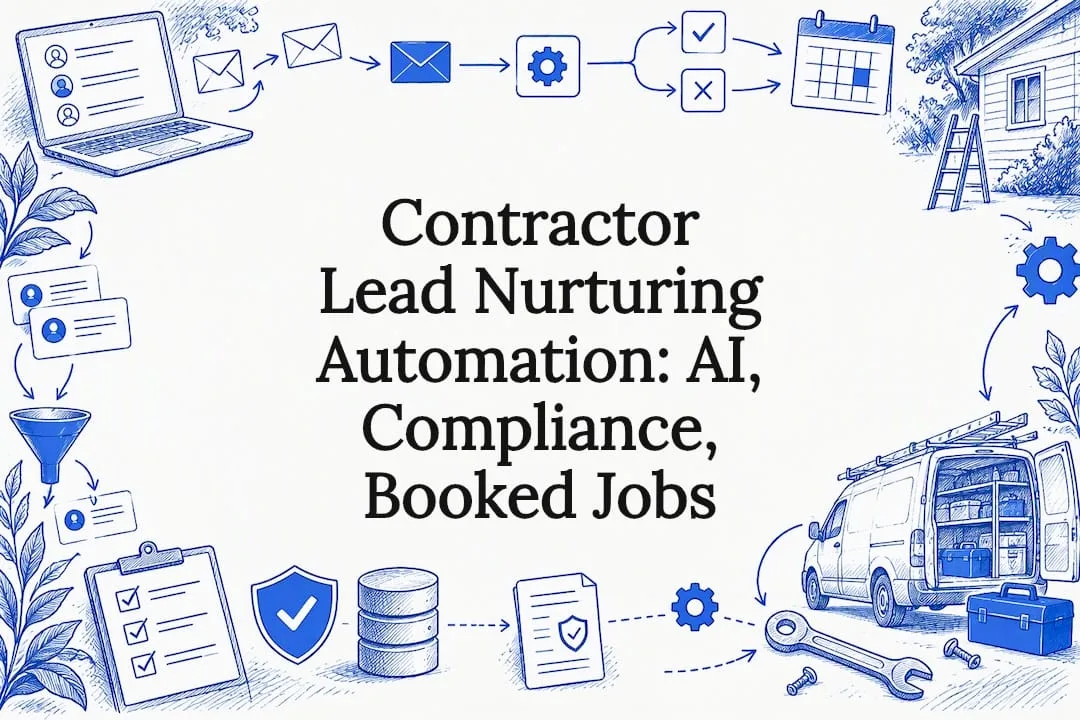
Lead nurturing automation uses software to track what a prospect does, then automatically sends the right message through the right channel until they’re ready to buy. The main payoff is speed and consistency: prospects move through your pipeline faster because no one forgets to follow up. The biggest shift happening now is AI-driven personalization, where systems adjust timing, content, and channel per individual instead of running everyone through the same fixed schedule.
TL;DR:
- AI-driven personalization enhances lead nurturing by adjusting timing, content, and channels based on individual behavior, requiring clean data and a capable CRM.
- Triggered flows outperform broadcast campaigns because they respond to specific actions, such as form submissions or content clicks, increasing conversion rates.
- Core components like lead scoring, dynamic segmentation, and fast response SLAs are essential, and gaps in these areas cause most automation failures.
- Compliance with consent laws and data hygiene practices, including regular deduplication and prompt revocation handling, are critical to avoid legal risks.
- Smaller teams should prioritize establishing a welcome flow, lead routing rules, and a rapid response SLA before expanding automation complexity.
Table of Contents
- How Does Lead Nurturing Automation Actually Work?
- What Are the Core Components of a Nurturing System?
- How Do You Design and Launch a Nurturing Workflow?
- Should You Use AI Personalization or Rule-Based Sequences?
- What Metrics and Benchmarks Should You Track?
- What Compliance and Data Hygiene Rules Apply?
- How Do You Choose the Right Automation Platform?
- What’s the Launch Checklist and What Usually Goes Wrong?
- How Contractors Are Applying This in the Field
- Where Automation Ends and Judgment Begins
- Get Automated Lead Nurturing Built for Your Trade
- Sources
- FAQ
How Does Lead Nurturing Automation Actually Work?
At its core, the system runs on four layers: data sources feed a CRM, the CRM feeds an automation engine, and the engine triggers actions. A visitor fills out a form, opens an email, or downloads a spec sheet. That event gets logged in the CRM. The automation engine checks it against rules or predictive models, then fires the next step, whether that’s an email, a text message, a chatbot prompt, an ad retargeting push, or a notification to a salesperson.
The distinction that trips people up is triggered flows versus broadcast campaigns. A broadcast sends the same email to your whole list on the same day, regardless of behavior. A triggered flow only fires when someone does something specific, which is why it converts better. Salesforce notes that shifting from static, calendar-based sequences to behavior-responsive flows is the core mechanical change AI-driven nurturing introduces.
A simple example: a homeowner requests a quote on a contractor’s site at 9 p.m. The CRM logs the form submission, tags the lead as “high intent,” and the automation engine immediately sends a text confirming receipt while queuing a call-back task for the next business morning. If the lead opens a follow-up email about financing options, that click triggers a second, more specific message about payment plans instead of a generic reminder.
Common triggers and their typical actions include:
- Page visit to a pricing or service page: enrollment in a short educational email series
- Content download (a buyer’s guide, a checklist): a personalized follow-up email within the hour
- Email link click: a behavior-specific next message, not a repeat of the same offer
- Repeated site visits in 48 hours: a sales alert plus an SMS check-in
- Abandoned quote form: a retargeting ad paired with a reminder email
What Are the Core Components of a Nurturing System?
Every reliable system rests on five building blocks, and skipping any one of them is usually why a nurture program stalls out.
- Lead scoring: combine explicit signals (job title, budget entered on a form) with implicit ones (email opens, page depth, return visits). Weight implicit behavior lower than explicit intent data until you have enough volume to validate the model.
- Dynamic segmentation: groups that update automatically as behavior changes, not static lists frozen at signup. A lead who goes quiet for 60 days should drop out of an active buying segment on its own.
- Content mapping: match content format and tone to where someone sits in the buying process, and to the channel they actually respond on. A first-time visitor gets education; a lead who requested three quotes gets urgency and social proof.
- Routing and SLAs: define exactly which score threshold hands a lead to a human, and how fast that human must respond. Response speed matters more than most teams assume: benchmark data shows best-in-class operators respond very rapidly to inbound leads, while median response times across most industries lag far behind that.
- Measurement: every flow needs a dashboard that tracks its own performance separately, not buried in an aggregate report.
Your CRM needs specific fields to make any of this dependable: source channel, consent timestamp, last engagement date, score history, and assigned sales owner, at minimum. Missing even one creates blind spots that quietly break automation months later.
Pro Tip: Treat your lead-scoring model as a versioned document. Write down what inputs feed it and when you last retrained it, so when conversion rates shift, you can trace whether the model changed or the market did.
How Do You Design and Launch a Nurturing Workflow?
Build in this order, and resist the urge to skip steps to launch faster.
- Audit data and consent records first. Before writing a single email, confirm your contact list is deduplicated and that you have documented consent for every channel you plan to use. Skipping this step is the single most common reason nurture programs get flagged for compliance issues later.
- Map the buyer journey and required content per stage. List out what a prospect needs to know at awareness, consideration, and decision, and confirm you actually have content for each stage. Gaps here get exposed the moment you turn automation on.
- Build a minimum viable set of flows. Start with three or four: a welcome sequence, a pricing-inquiry flow, a re-engagement flow for cold leads, and a post-quote follow-up. Resist building fifteen flows before you’ve proven three work.
- Define A/B tests and escalation rules up front. Decide what you’re testing (subject lines, send times, channel order) before launch, not after you notice results plateauing.
- Run QA against edge cases. Test what happens with duplicate leads, leads who unsubscribe mid-sequence, and consent revocations. These edge cases are where most automation embarrassments happen, like a lead who opted out still receiving three more emails because the suppression list didn’t sync.
- Set a measurement cadence. Weekly for the first month, then monthly. Track dashboards against the KPIs you defined in step one, not vanity metrics that happened to look good.
Should You Use AI Personalization or Rule-Based Sequences?
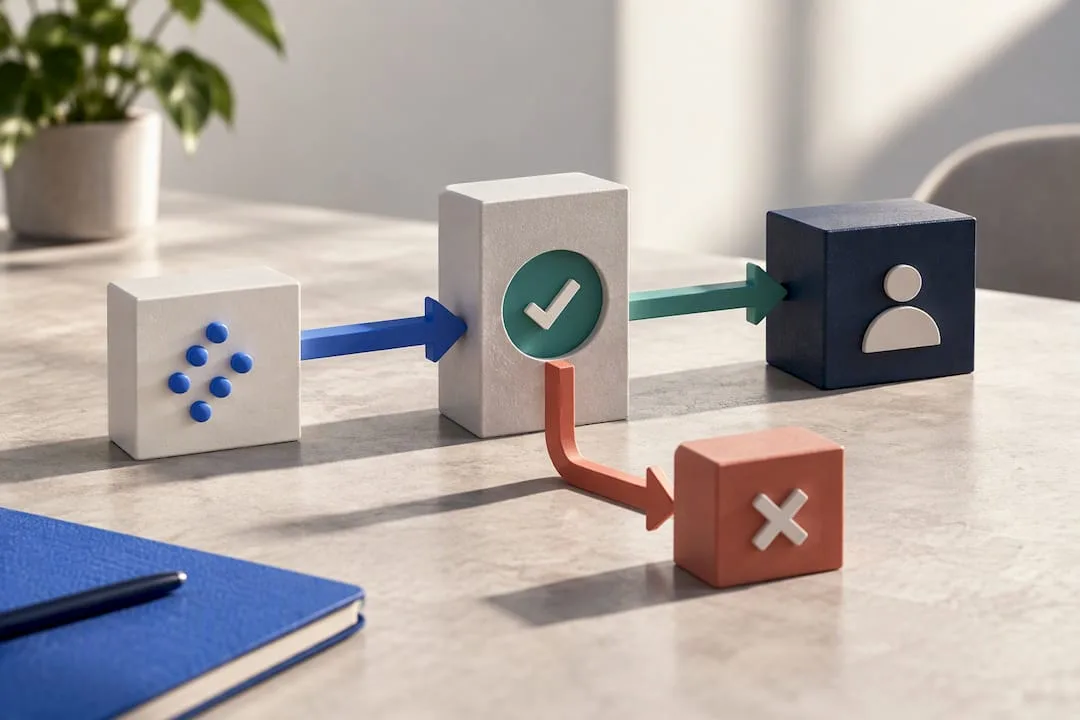
Rule-based flows follow fixed logic: if a lead downloads a guide, send email two on day three, email three on day seven. They’re predictable, easy to build, and easy to debug. AI-adaptive sequencing instead predicts the next-best action for each individual, adjusting send time, content, and even channel based on what similar leads have done before.
AI earns its keep in three specific areas:
- Predictive scoring that updates continuously instead of relying on a static point system set six months ago
- Content recommendation that serves the specific case study or offer most likely to resonate with that lead’s profile
- Send-time optimization that learns when an individual actually opens email, rather than blasting your whole list at 9 a.m.
None of that works without prerequisites. You need clean historical data, a CRM that integrates natively with your automation engine, and enough volume for a model to learn from. Research on AI-driven B2B automation shows predictive scoring and adaptive sequencing meaningfully speed up MQL-to-SQL conversion, but only where governance and data quality already exist.
Pro Tip: Keep a human in the loop on anything AI recommends for high-value leads. A model that’s 85% accurate is still wrong one in six times, and that sixth lead might be your biggest deal of the quarter.
What Metrics and Benchmarks Should You Track?
Track open and click rates per flow (not blended across your whole program), lead-to-MQL conversion, MQL-to-SQL conversion, average response time, and pipeline dollars attributable to nurtured leads versus non-nurtured ones.
The benchmark that matters most: nurtured leads generate roughly 20% more sales opportunities than leads left to convert on their own, with AI-powered nurturing pushing that lift higher in programs with clean data.
Open and click ranges vary widely by industry and list quality, so treat published averages as a starting reference, not a target to hit blindly. A home services list built from paid ads will behave differently than a list built from organic referrals. For ROI, a simple model works: take your monthly automation cost, divide by the number of additional booked jobs or closed deals the nurture program produces compared to your baseline, and compare that to your average job value. Higher pricing tiers usually add more channels and AI features, which raises the ceiling on what the system can capture but only pays off once volume justifies it.
What Compliance and Data Hygiene Rules Apply?
Automation that runs on bad data or ignores consent rules creates legal exposure fast, not just wasted spend.
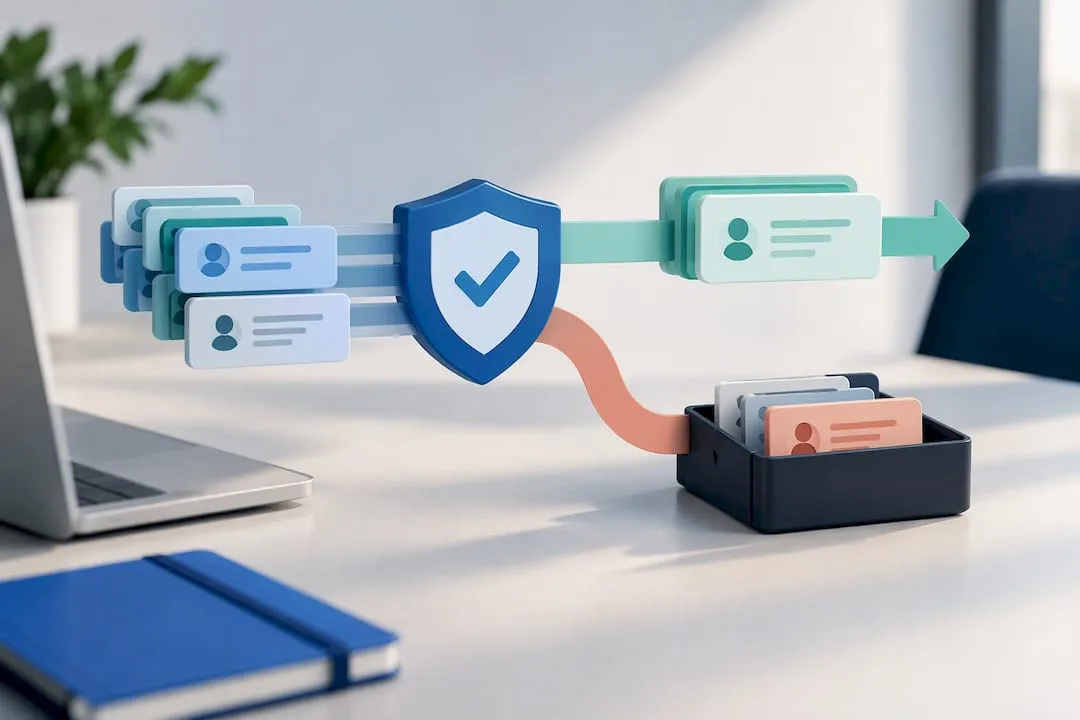
Start with hygiene: dedupe your list on a regular cadence, enrich stale records instead of letting them rot, and maintain a suppression list that syncs across every channel in real time. For email, the FTC’s CAN-SPAM guidance requires a working unsubscribe link honored promptly, a valid postal address in every message, and no deceptive subject lines or sender names.
For text and phone outreach, the bar is higher. TCPA rules under the 2025 one-to-one consent standard require consent tied explicitly to the specific seller making contact, and revocation has to be processed quickly across every system that touches that contact.
- Log consent proof (timestamp, source, method) for every contact at the point of capture
- Scrub against the national Do Not Call registry on a defined schedule
- Document vendor compliance if you use third-party lead sources
- Build a revocation workflow with a defined turnaround SLA, not an ad hoc process
| Compliance area | Requirement | Risk if ignored |
|---|---|---|
| Email (CAN-SPAM) | Working unsubscribe, valid postal address, honest sender info | FTC enforcement action, spam complaints |
| SMS/phone (TCPA) | Seller-specific consent, fast revocation handling | Statutory damages per violation |
| Data hygiene | Regular dedupe, DNC scrubbing, suppression sync | Contacting revoked or wrong numbers |
| Vendor documentation | Proof of consent from third-party lead sources | Liability transfer failures in disputes |
How Do You Choose the Right Automation Platform?
Evaluate any platform against five criteria before you sign a contract: real-time event processing (not batch updates that lag hours behind), native CRM integration instead of a fragile third-party connector, open API access for future customization, flexible data fields, and reporting that breaks down by individual flow.
Pricing shapes vary widely. Entry-level email tools can run free for small lists, while full platforms scale into enterprise tiers once you add SMS, AI scoring, and advanced integrations. Watch for hidden costs in data enrichment, per-contact overages, and integration fees that aren’t in the sticker price.
- Confirm real-time triggers, not delayed batch processing
- Check whether CRM integration is native or requires middleware
- Ask what happens to your data if you switch platforms later
- Postpone advanced AI personalization until your base flows are proven and your data is clean
A CRM-first unified stack simplifies data flow but can limit best-of-breed features. Best-of-breed tools stitched together with middleware give more flexibility but add integration points that can break. Small teams generally do better starting unified, then layering in specialized tools once volume justifies the complexity.
What’s the Launch Checklist and What Usually Goes Wrong?
Before flipping automation live, confirm every item on this list.
- Data audit completed and duplicates merged
- Consent proof logged for every channel you’ll use
- Content mapped to each buyer stage, with no gaps
- QA tests run against duplicate leads and revoked consent
- Monitoring dashboard live and assigned to someone specific
- SLA agreed with sales on response time and lead handoff
The most common failure modes are predictable once you’ve seen them a few times: sequences that go stale because no one updates them after the initial launch, data hygiene that slips within a few months, missing revocation workflows that quietly violate TCPA, and over-automation that sends a scripted email to someone who just had a bad service experience and needs a human, not a drip campaign.
Pro Tip: If you’re a small team with limited bandwidth, prioritize just three things first: a welcome flow, a pricing-inquiry routing rule, and a fast-response SLA with sales. Research on B2B nurturing suggests these three cover most of the near-term revenue gains available, before you touch anything more elaborate.
How Contractors Are Applying This in the Field
Contractors face a specific version of this problem: a missed call at 6 p.m. often means a lost job to a competitor who answered. Coastal Connect built its stack around that exact gap, pairing websites designed to capture leads with missed-call text-back and CRM automation and 24/7 AI inbound call handling, so the routing and SLA rules described above run automatically instead of depending on someone checking a phone after hours. Case-specific results and client review data live on the individual service pages.
Where Automation Ends and Judgment Begins
Staged adoption beats a big-bang rollout every time: get scoring right first, launch three MVP flows, then layer in AI personalization once data is clean. Keep a human reviewing dashboards weekly, not just trusting the automation.
Resource-constrained teams should resist the urge to automate everything at once. Prove the basics work, then expand.
— Tyson
Get Automated Lead Nurturing Built for Your Trade
Most contractors trying to fix missed leads end up choosing between a generic marketing agency that doesn’t understand the trades or cobbling together tools themselves on a weekend. Coastal Connect is built specifically for plumbing, HVAC, electrical, roofing, and landscaping businesses in Rhode Island and Massachusetts, combining local SEO, AI-powered automation, and lead capture systems run by a team that knows the towns and trades it serves.
That means the workflow architecture covered above (triggers, routing, fast response) isn’t something you build from scratch. It’s already wired into websites that book jobs, AI voice agents that handle after-hours calls, and automated review requests that keep your reputation compounding without manual follow-up. Plans start at the Foundation tier and scale up through Growth and Scale as your call volume grows. Check current pricing and plan details to see which tier fits your business today.
Sources
For details beyond what’s covered here, these sources go deeper on the regulatory and benchmark specifics:
- Automated Lead Nurturing: How It Works and How to Overcome Common Challenges — Salesforce
- CAN-SPAM Act Compliance Guide for Business — FTC
FAQ
What Is Lead Nurturing in Salesforce?
In Salesforce, lead nurturing refers to automated workflows built inside the platform that track prospect behavior and trigger emails, tasks, or alerts based on that activity. Salesforce describes this as a shift from static sequences to adaptive, behavior-responsive flows within its engagement tools.
What Are Effective Lead Nurturing Strategies?
Effective strategies combine dynamic segmentation, content mapped to buying stage, and fast routing to sales once a lead hits a defined score threshold. Programs that nurture leads see roughly 20% more sales opportunities than those without a structured follow-up process.
What Is Lead Nurturing?
Lead nurturing is the process of building a relationship with a prospect over time through targeted communication, rather than pushing for a sale on first contact. It typically involves a sequence of emails, calls, or messages tailored to where the prospect sits in their decision process.
What Does Lead Automation Mean?
Lead automation means using software to handle repetitive follow-up tasks, like sending emails, scoring leads, or routing hot prospects to sales, without manual intervention for each contact. For contractors, this often includes missed-call text-back and CRM automation that responds to inbound leads within seconds instead of hours.
How Much Does Lead Nurturing Automation Cost?
Costs vary by scale and features, from low-cost email tools to full platforms with AI scoring and SMS. Coastal Connect’s plans start at $597 per month for the Foundation tier, with Growth and Scale tiers adding more automation and AI capabilities as needs grow.