Most missing GBP reviews fall into two buckets: temporarily held by Google’s automated policy and spam checks, or removed permanently for a policy violation. The first kind typically clears within a few days. The second doesn’t come back. Your first move either way is the same: document what you see right now, with dated screenshots, and check again after the typical system delay window before you take further action.
TL;DR:
- Most missing reviews are temporary and cleared within a few days due to Google’s policy or spam checks, but permanently removed reviews do not reappear.
- Verifying review visibility through direct links, incognito mode, and correct profiles helps identify whether it’s a display glitch or actual removal.
- Waiting 48 to 72 hours before escalating, while documenting review counts and links daily, improves support response times and issue resolution.
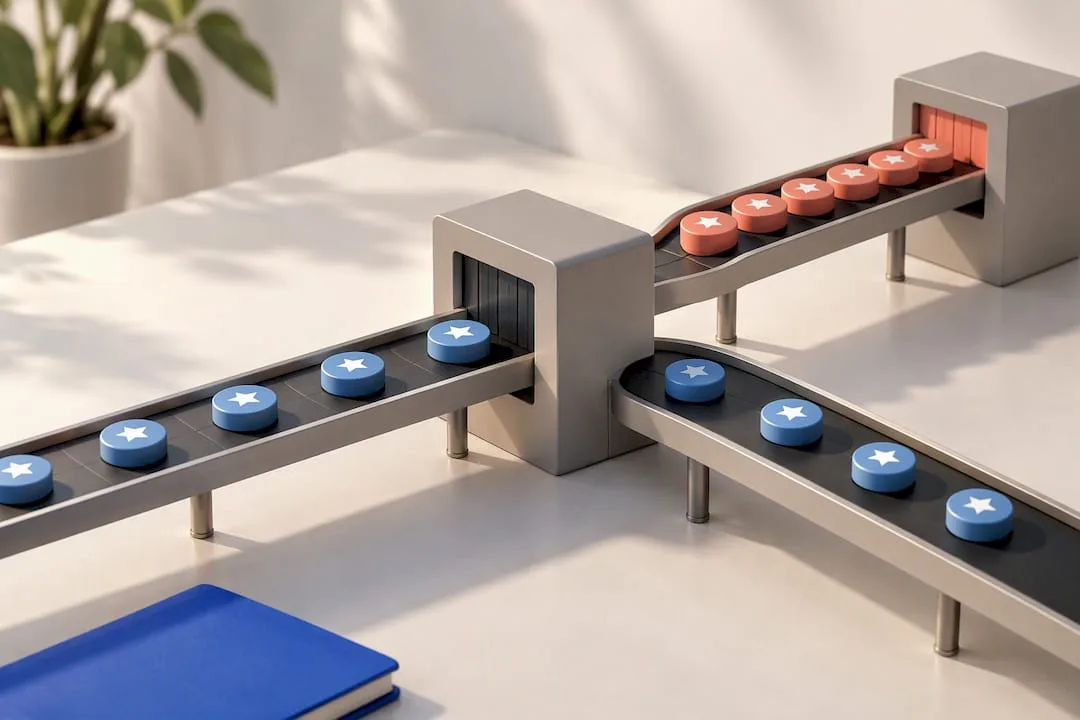
- Platform glitches often affect multiple users and show mismatched review counts, while policy removals typically follow specific violations like incentivized or gated reviews.
- Consistently requesting reviews across different locations and avoiding high-volume spam requests reduces the risk of triggering Google’s spam filters.
Table of Contents
- Is This a GBP Reviews Not Showing Glitch or a Removal?
- What Steps Fix Gbp Reviews Not Appearing?
- Platform Glitch or Policy Removal: How to Tell the Difference
- What to Include When You Report Missing Reviews to Google
- How Do You Prevent Future Review Visibility Problems?
- How Coastal Connect Helps Contractors Track Review Health
- Why Steady Systems Beat Panic Campaigns
- Get a Review System Built to Avoid the Panic Cycle
- Sources
- FAQ
Is This a GBP Reviews Not Showing Glitch or a Removal?
Before you contact anyone, figure out which problem you actually have. A five-minute check saves you from filing a support ticket for something that fixes itself, or waiting three days on something that never will.
Run through this quickly:
- Verify the review through a direct link. If a customer sent you a confirmation email or you got a notification, click straight to the review. If it loads there but not on your profile page, that’s a display mismatch, not a removal.
- Check in incognito mode or a different account. Cached data on your own browser or the Google Business Profile app can show a stale count that doesn’t match what the public sees.
- Confirm you’re viewing the correct profile and location. Multi-location businesses sometimes have reviews attached to a duplicate or merged listing you’re not currently managing.
- Identify the pattern. Is it a brand new review that never appeared, an older one that vanished, a rating average that doesn’t match your visible review count, or a problem hitting several locations at once? Each points to a different cause.
- Check for recent profile events. A merge, a reinstatement after suspension, or a sudden spike in review volume can all trigger automated review holds.
- Ask the reviewer for proof. A screenshot with the date and time of their submission tells you whether the review ever posted successfully on their end.
Google’s own guidance on missing or delayed reviews confirms that policy checks, profile merges, and reinstatements are among the most common reasons a review sits invisible for a few days before either appearing or disappearing for good.
What Steps Fix Gbp Reviews Not Appearing?
Once you know roughly what you’re dealing with, work through these steps in order rather than jumping straight to a support ticket.
- Update the Google Maps app on any device you’re using to check, and confirm you’re logged into the account that actually manages the profile. An outdated app version is a surprisingly common cause of reviews looking present on one device and missing on another.
- Verify your public profile URL is the one you think it is. Search your business name on Google, click through to the profile as a customer would, and compare what you see there against your Business Profile dashboard.
- Wait 48 to 72 hours before escalating anything. This is the window Google’s own support documentation points to for policy and spam checks to clear on their own.
- Capture evidence daily during that window. Take a dated screenshot of your total review count and visible review list each day. Save any direct links to the reviews in question. Keep this in a simple log, even a spreadsheet with three columns: date, count, notes.
- Rule out the reviewer’s side. Ask them to confirm they actually completed the submission and, ideally, send a screenshot of their confirmation. A review that failed to post on their end isn’t a Google problem at all.
- If nothing changes after the wait window, escalate with specifics. A support request built on exact dates, links, and screenshots gets resolved faster than a general complaint about “reviews disappearing.”
Pro Tip: Set a recurring calendar reminder to check your review count every Monday morning. Catching a drop within a day or two, rather than a month later, makes the difference between “explainable dip” and “unexplained mystery” when you finally have to file a report.
Platform Glitch or Policy Removal: How to Tell the Difference
The signals look different depending on which problem you have, and reacting the wrong way can make things worse.
Signs of a platform or display glitch:
- Other business owners are reporting the same issue around the same time
- The review is visible through a direct link but missing from the profile page
- Your review count and your visible review list don’t match
- You received a notification about a spam-review spike on your account
Google has started sending owners a notification titled “Protecting your Business Profile from spam reviews” when it detects an unusual spike, and that pause on new reviews typically lasts only a few days while Google sorts legitimate feedback from suspicious activity.
Signs of a genuine policy removal: the same specific review never returns no matter how long you wait, and it followed a recent incentivized push, a mass request campaign, or anything resembling review gating.
What not to do in either case: don’t respond to a sudden drop by blasting every past customer with review requests at once. Industry reporting on disappeared Google reviews consistently flags synchronized, high-volume request spikes as a trigger for further filtering, not a fix for it.
What to Include When You Report Missing Reviews to Google
A clean, specific report moves faster than a vague one. Before you file anything, gather:
- Your exact public profile URL and, if you have it, your profile ID
- The dates you first noticed the discrepancy and each day you rechecked it
- Screenshots showing the review count over time
- Direct links to the specific missing reviews
- A short timeline of any recent profile events (merges, reinstatements, ownership changes)
File through the Google Business Profile Help support flow first. If you want to see how other owners have handled similar cases, the Google Business Profile Community has active threads where owners post templates and outcomes, including one case where a business documented a 28 percent loss rate across two locations over 29 days to make its case. Keep one running log per incident instead of filing duplicate reports, and set realistic expectations: Google’s review process can take several days, and a confirmed policy removal is rarely reversed.
How Do You Prevent Future Review Visibility Problems?
Most future review headaches trace back to request habits, not bad luck.
- Never offer discounts, freebies, or anything else in exchange for a review. The FTC’s rule banning fake and incentivized reviews makes this a legal risk, not just a platform one.
- Avoid gating customers toward leaving reviews only when you sense they’re happy, and never coach specific wording.
- Send requests on a steady cadence, spread across email, text, and in-person prompts rather than one big annual push.
- Turn on email notifications for new reviews and keep a simple internal log so a dip is obvious within days, not months.
- If you’re running a genuine campaign, such as after a service milestone, stagger the requests across several days or across locations instead of firing them all at once.
Pro Tip: If you serve multiple towns, don’t request reviews from every job site the same week. Spreading requests by geography and by day mimics natural review flow, which is exactly what Google’s spam detection is built to reward.
How Coastal Connect Helps Contractors Track Review Health
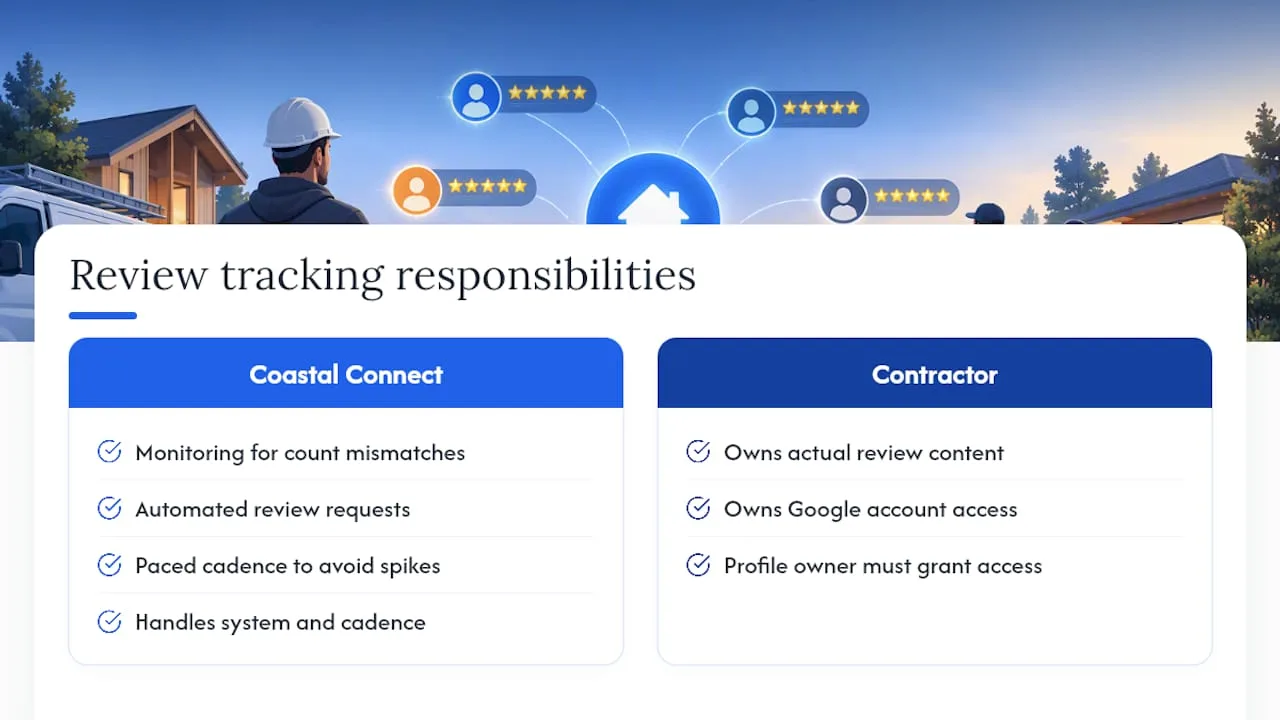
Some contractors in plumbing, HVAC, electrical, and roofing industries have reported Google Business Profile volatility as a recurring complaint. Its Local SEO & Google Business Profile service includes monitoring built specifically to catch count mismatches early, paired with automated review requests paced to avoid the spike patterns that trigger spam filters. What Coastal Connect handles is the system and the cadence. What the contractor still owns is the actual review content and account access, since only the profile owner can grant that.
Why Steady Systems Beat Panic Campaigns
The instinct when reviews vanish is to fire off requests to everyone at once. That instinct is exactly backward. A steady request cadence with a paper trail beats a panicked burst every time, because Google’s own filters are tuned to flag bursts, not steady patterns. Document what you see, watch the trend, and escalate with specifics only when the evidence actually calls for it.
— Tyson
Get a Review System Built to Avoid the Panic Cycle
A do-it-yourself fix for gbp reviews not showing usually means checking a dashboard every few days and hoping the numbers hold. Coastal Connect builds the alternative: a monitoring and request system that catches a count drop before you notice it yourself, and paces new requests so you never trigger the spike patterns that get reviews filtered in the first place.
That’s the gap between reacting to a problem and never having it escalate at all. Coastal Connect’s Reviews that keep coming service handles the request cadence automatically, while Local SEO & Google Business Profile covers ongoing monitoring so a mismatch gets flagged fast instead of discovered a month later during a slow season. If you’re a contractor in Rhode Island or Massachusetts tired of guessing why your review count moved, check current plans on the pricing page and get a profile audit started this week.
Sources
- About missing or delayed reviews - Google Business Profile Help
- Google reviews disappeared: What you need to know | Birdeye
- Google Business Profiles Email Notifications For Detection Of Spike In Spam Reviews - SERoundtable
FAQ
Why Are Some Reviews Not Showing on My Profile?
Reviews commonly go missing because of automated policy checks, spam-filter holds, or a profile merge or reinstatement event, according to Google’s own guidance. Most of these clear on their own within a few days; only reviews removed for a confirmed policy violation stay gone permanently.
Why Am I Not Seeing My Google Reviews?
Check whether the review loads through a direct link but not on your main profile page. That pattern points to a display mismatch rather than a real removal, and it often resolves once Google’s systems finish a spam-spike check, which can pause new reviews for a few days.
How Long Does It Take for a Google Review to Become Visible?
Most reviews appear within minutes to a couple of days, but policy or spam checks can extend that to several days per Google’s help documentation. If a review remains missing after several days, document it with screenshots and escalate through Google Business Profile support.
Why Isn’t My Review Showing Up After I Posted It?
First confirm the review actually submitted successfully by checking for a confirmation email or asking the reviewer for a screenshot. If it submitted but isn’t visible, it’s likely caught in one of Google’s automated checks rather than lost entirely, and the fix is to wait out the standard window before reporting it.